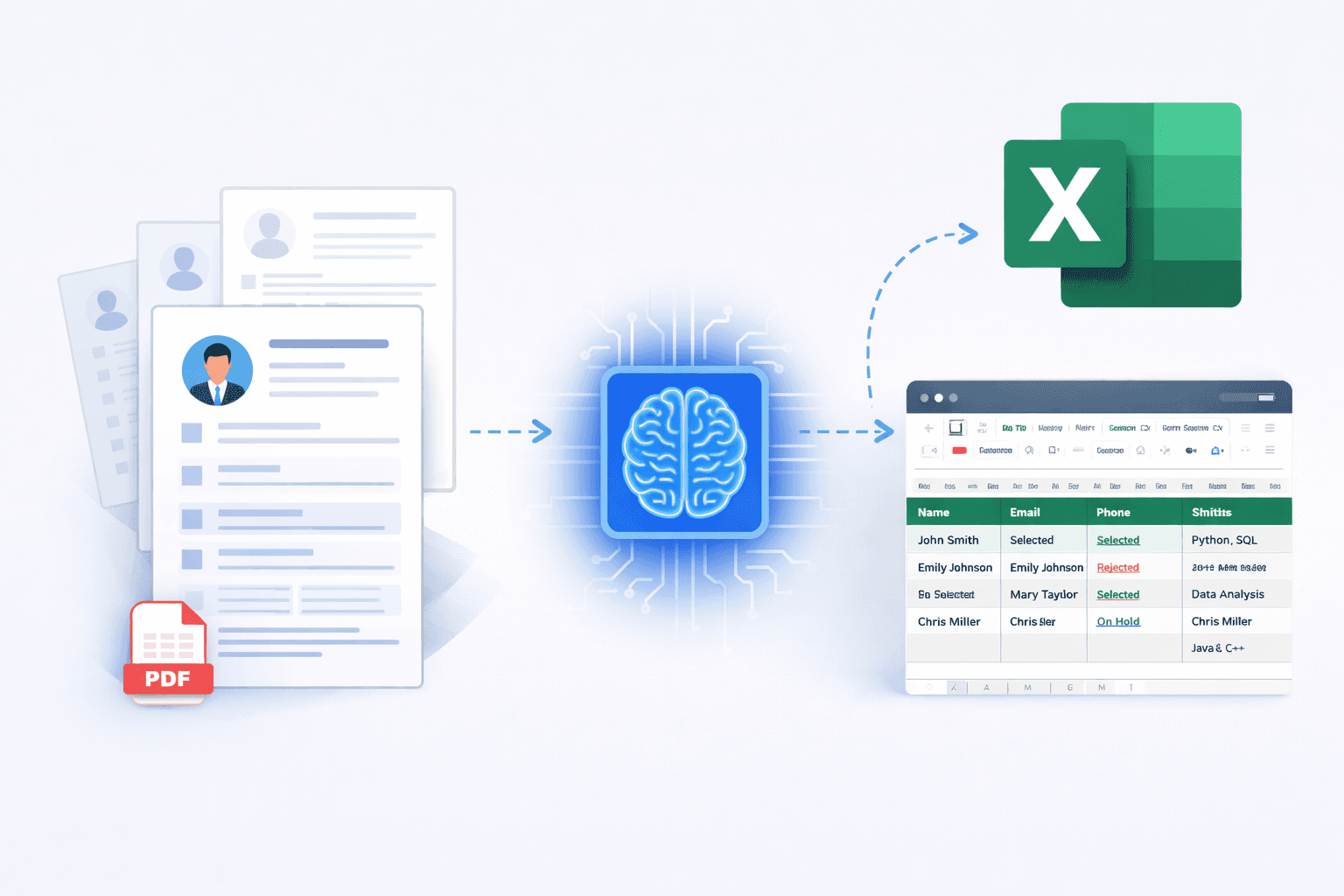
What Is a Resume to Excel Converter?
A resume to Excel converter is a tool that automatically extracts candidate information from resumes (PDF or DOCX) and converts it into a structured Excel or CSV file. Instead of manually copying details like name, email, skills, and experience, HR teams can generate a ready-to-use spreadsheet in minutes.
Why HR Teams Struggle with Resume Management
Recruiters often receive hundreds of resumes for a single role. Managing this volume manually leads to wasted time, data inconsistencies, and delayed hiring decisions. Copy-pasting resume details into Excel sheets is one of the most time-consuming and error-prone tasks in recruitment.
How a Resume to Excel Converter Works
Modern resume to Excel converters use AI and document parsing technology to read resumes intelligently. The tool scans the resume layout, understands context, and extracts relevant fields into structured columns.
Typical workflow:
- Upload one or multiple resumes
- AI analyzes resume content
- Candidate data is extracted automatically
- Download the output in Excel or CSV format
Key Benefits of Using a Resume to Excel Converter
Using a resume to Excel converter brings immediate efficiency to hiring workflows.
- Save hours of manual resume screening
- Handle bulk hiring with ease
- Maintain clean and consistent candidate data
- Quickly filter and shortlist candidates in Excel
- Reduce human errors during data entry
Resume to Excel Converter for Bulk Hiring
For campus hiring, walk-in drives, and staffing agencies, resume volume can grow rapidly. A resume to Excel converter allows recruiters to process hundreds of resumes at once and maintain role-wise or department-wise Excel sheets.
Who Should Use a Resume to Excel Converter?
This tool is especially useful for:
- HR managers using Excel-based tracking
- Recruiters without a full ATS
- Staffing and recruitment agencies
- Startups and growing companies
- Consultants managing multiple hiring pipelines
Features to Look for in a Resume to Excel Converter
When choosing a resume to Excel converter, consider the following features:
- Bulk resume upload support
- PDF and DOCX compatibility
- Accurate skill and experience extraction
- Clean Excel or CSV output
- Data privacy and security
How Neukaps AI Resume Converter Helps
Neukaps AI Resume Converter is designed specifically for HR and recruitment teams. It converts resumes into structured Excel files using AI, helping teams reduce manual effort and focus on candidate evaluation instead of data entry.
The tool supports both single and bulk resume uploads and works well for Excel-based hiring workflows.
Resume to Excel Converter vs Manual Resume Screening
Manual screening slows down hiring and increases the risk of missing qualified candidates. A resume to Excel converter ensures faster processing, better organization, and improved decision-making for recruiters.
Final Thoughts
A resume to Excel converter is no longer a luxury for HR teams — it is a necessity. As hiring volumes increase, automation tools like this help recruiters stay organized, efficient, and focused on selecting the right talent.